According to Lunarmedia Blog: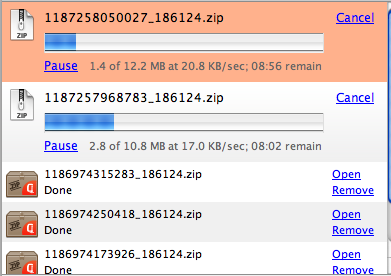
This limitation sometimes is a bit problem for me as I download lots of files everyday. So after seeking out the solution via the above mentioned blog, I finally found the answer!
To Unlock the limitation simply follow the steps below.
Step 1 : type "about:config" in the address bar without the quotes
Step 2: Then search for this: network.http.max-persistent-connections-per-server, double-click it and change the number 2 to e.g. 10.
Showing posts with label FAQ. Show all posts
Showing posts with label FAQ. Show all posts

Subscribe to:
Posts (Atom)